Explore Kindergarten Prep
Visit the home page and click on the Explore Kindergarten Prep button (or Start the Discovery) located in the main banner to view our available course.
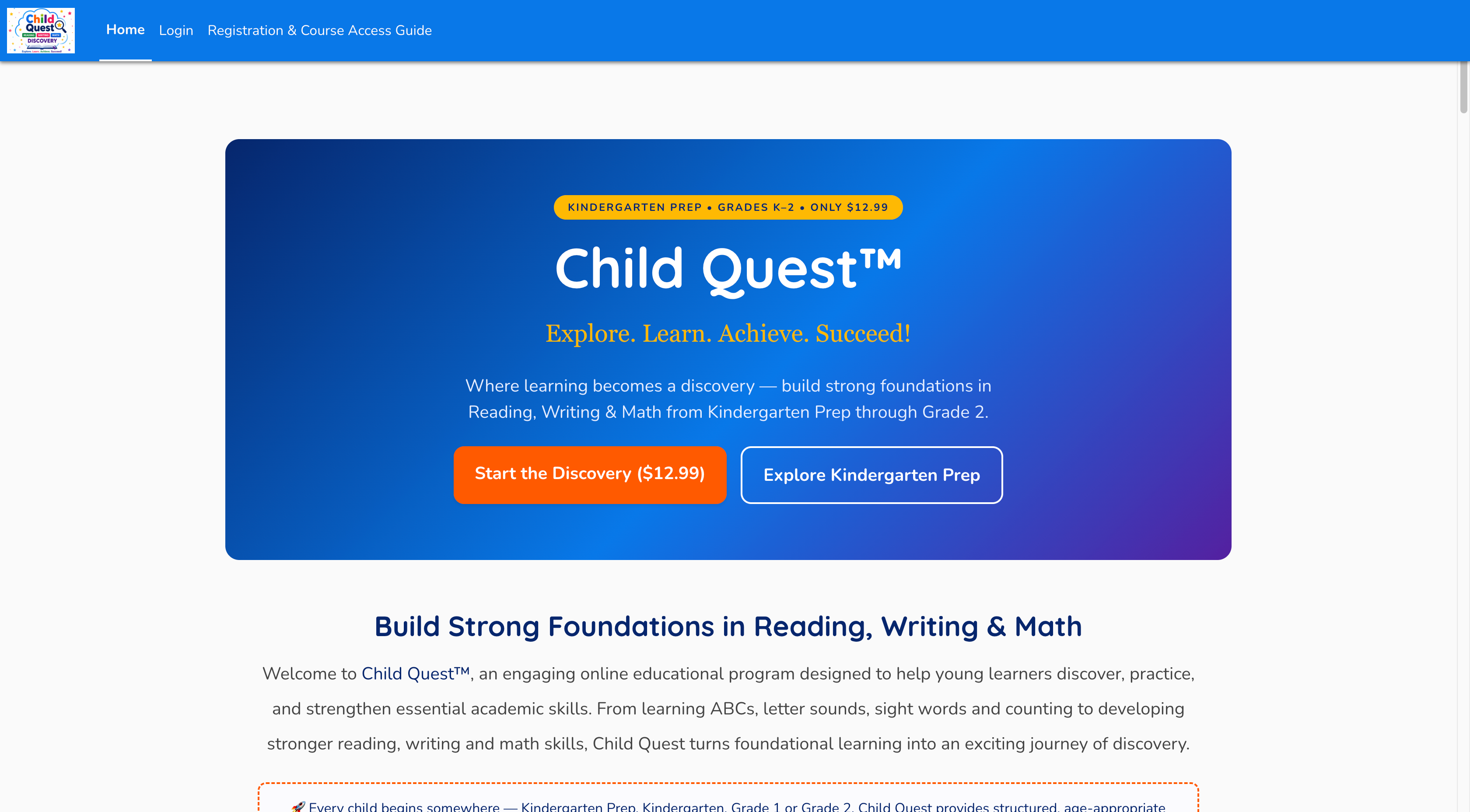 🔍 Click image to enlarge
Select Your Course
Scroll down to the Available courses section and click on the Kindergarten Prep course card.
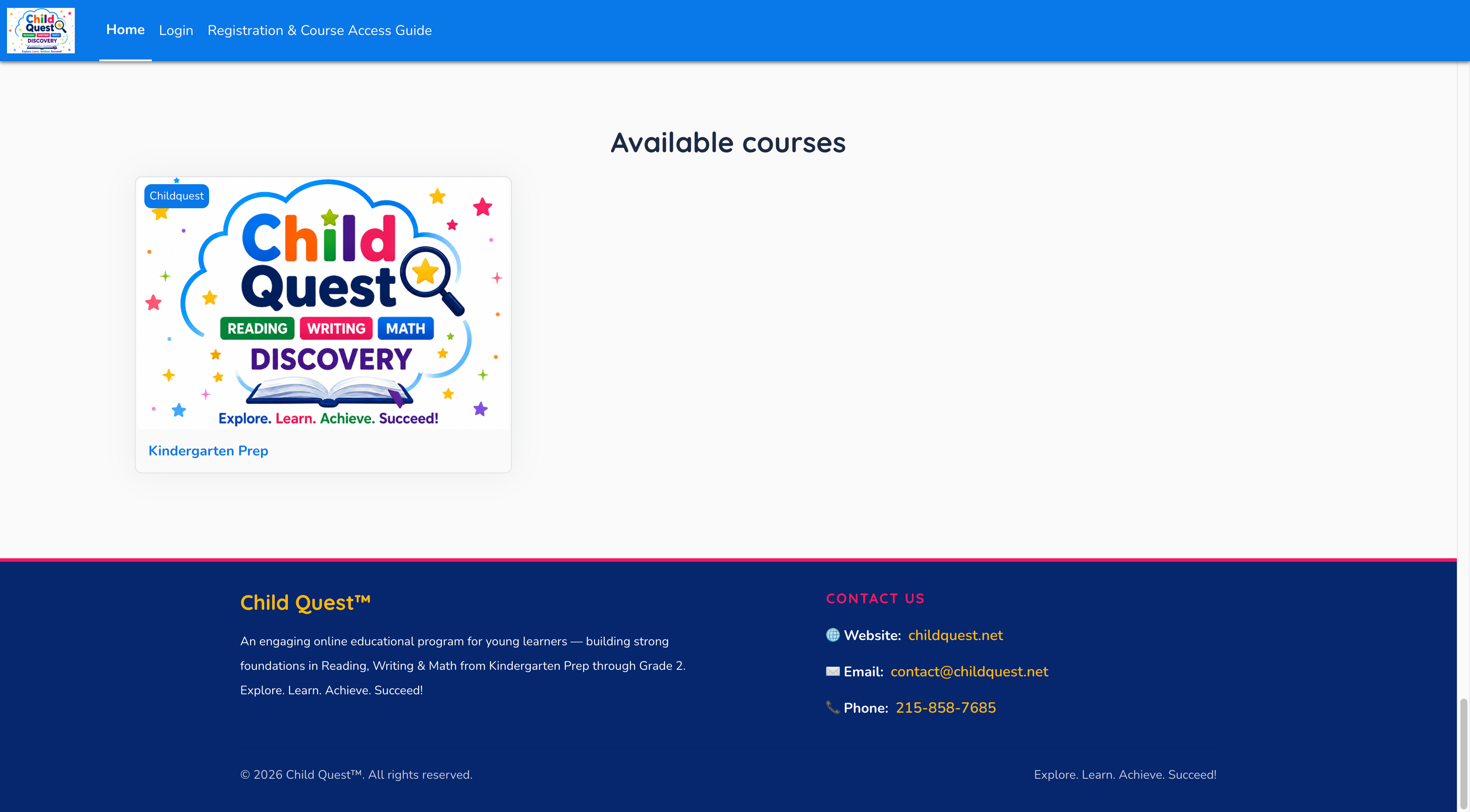 🔍 Click image to enlarge
Initiate Registration
On the welcome login screen, click the Sign up link located below the primary login button to open the account creation page.
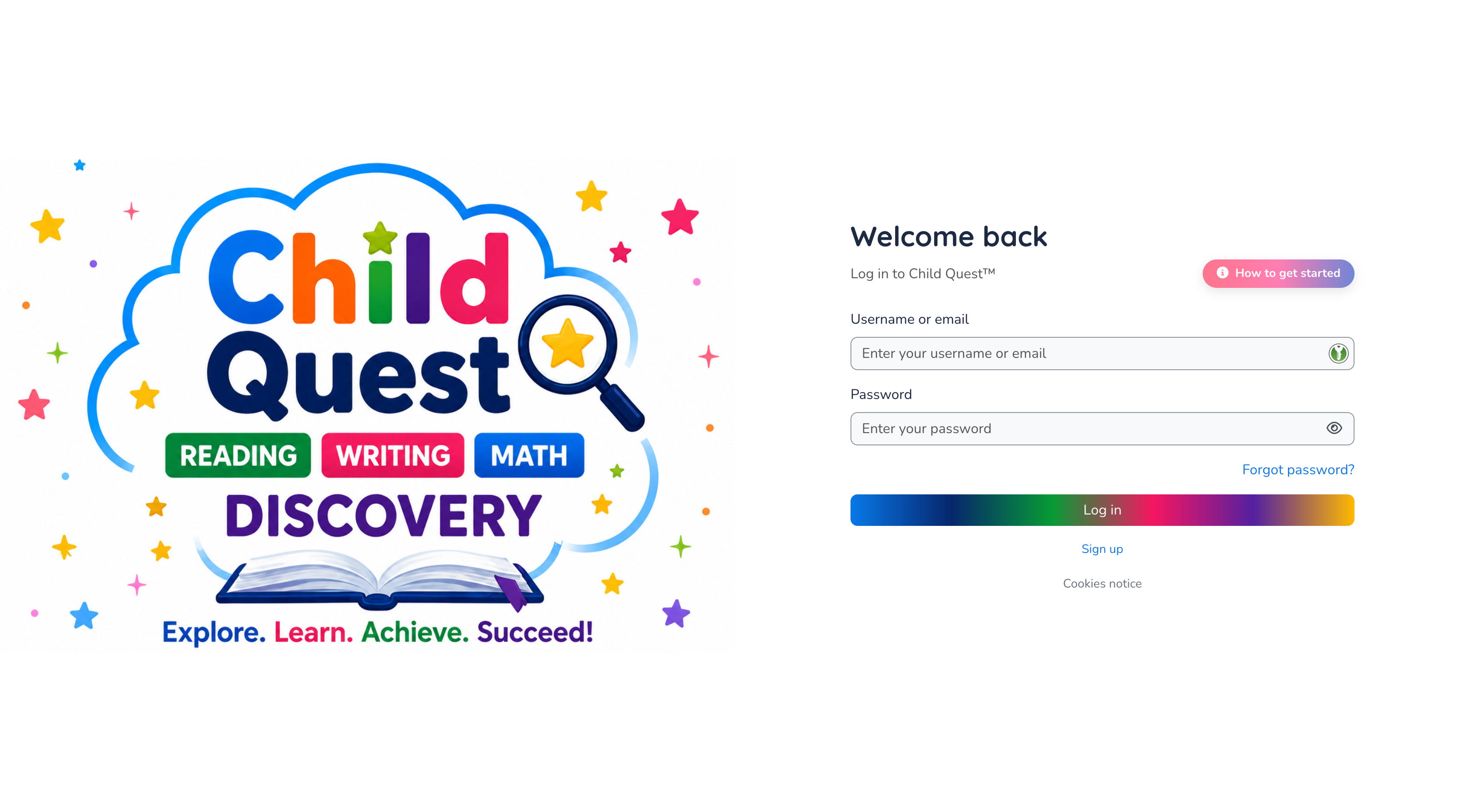 🔍 Click image to enlarge
Fill in Your Details
Complete the New account form with your details, including username, password, email address, name, city/town, and country. Then click Create my new account.
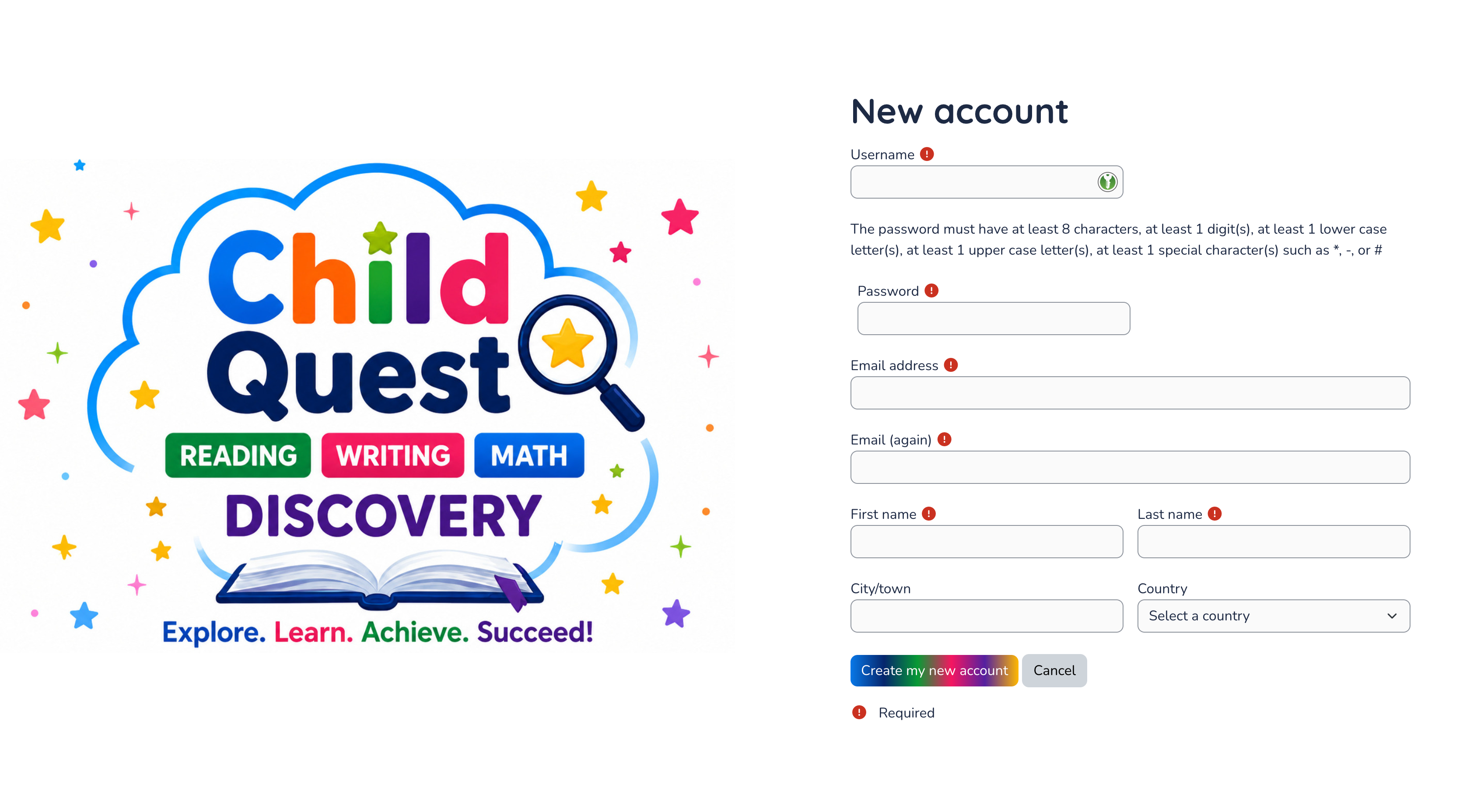 🔍 Click image to enlarge
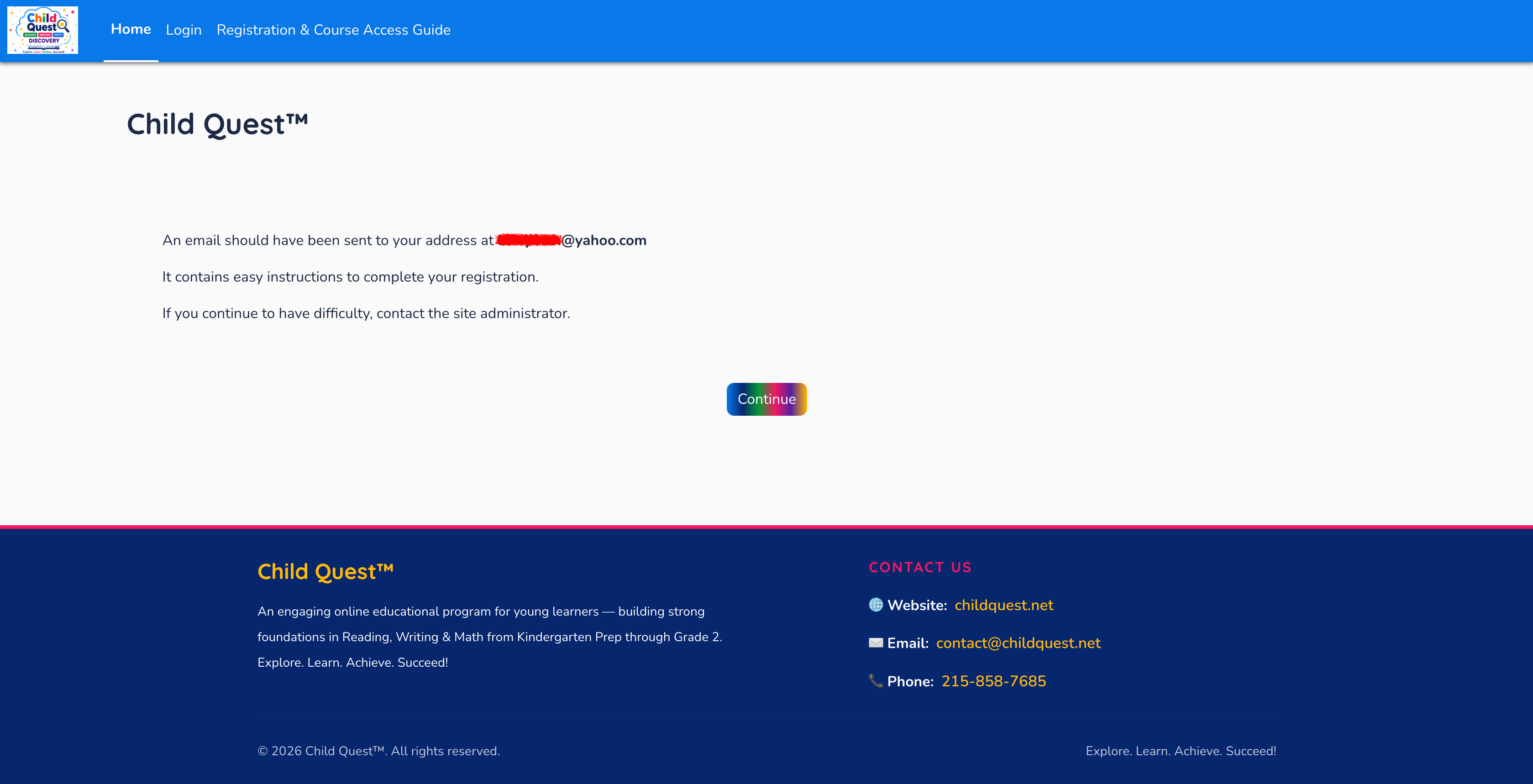
Email Confirmation Sent
A notification will confirm that an email was sent to your inbox with instructions. Open your email app and click the confirmation link inside the message.
 🔍 Click image to enlarge
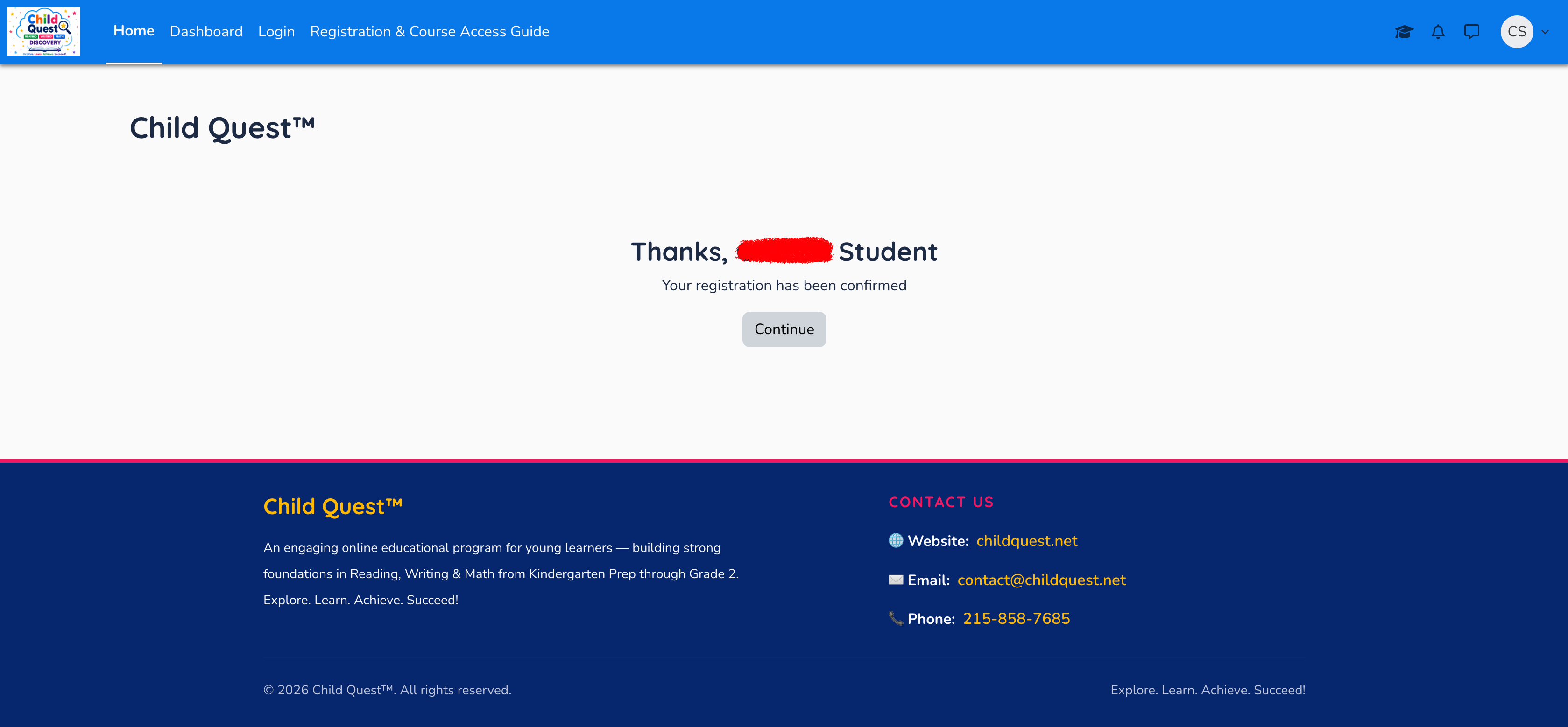
Confirm Your Registration
Once you click the link in your email, your account will be verified. Click Continue to proceed to the course enrollment options.
 🔍 Click image to enlarge
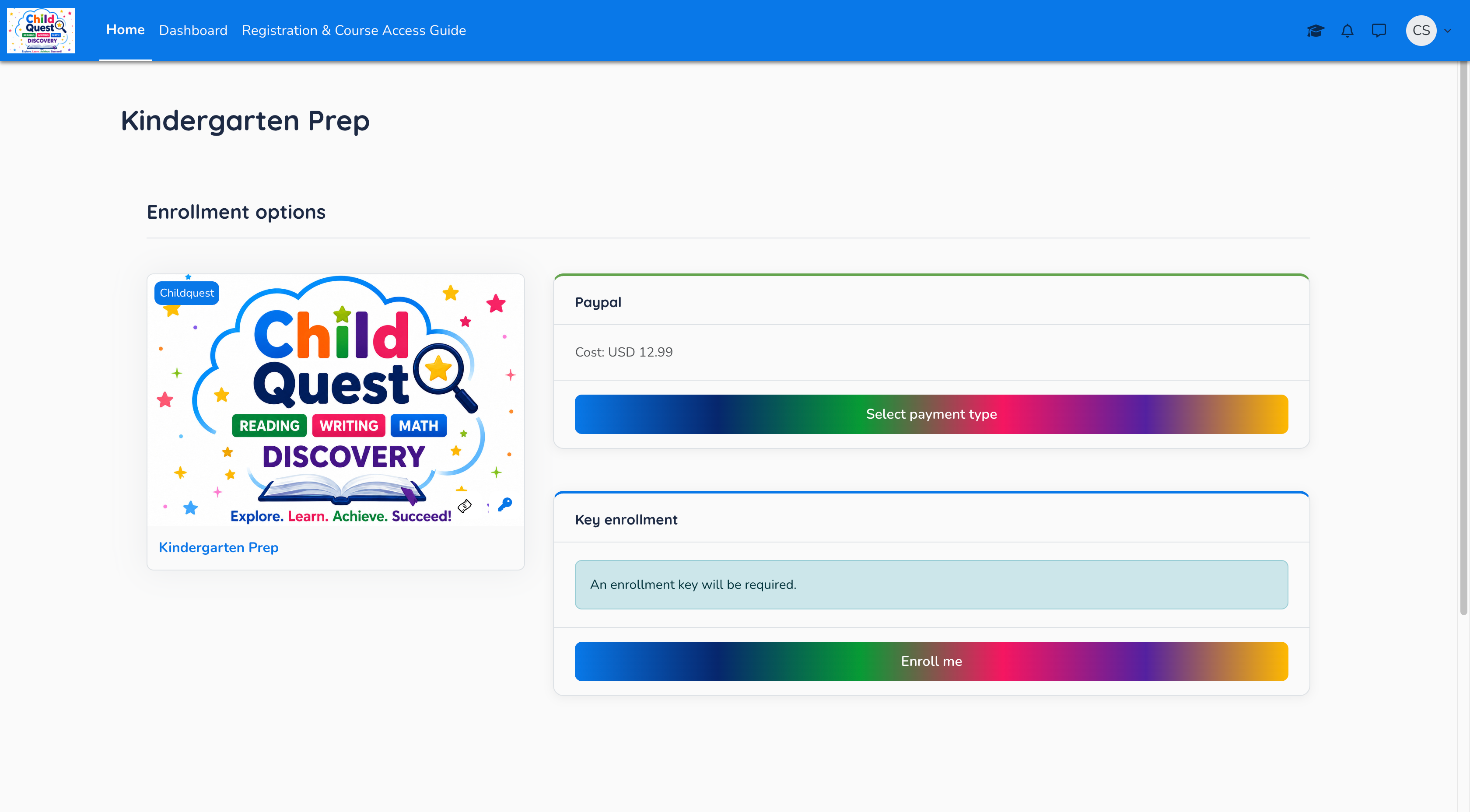
Choose Enrollment Method
On the Kindergarten Prep enrollment page, choose how you would like to access the course: via Paypal ($12.99) or using a Key enrollment key.
 🔍 Click image to enlarge